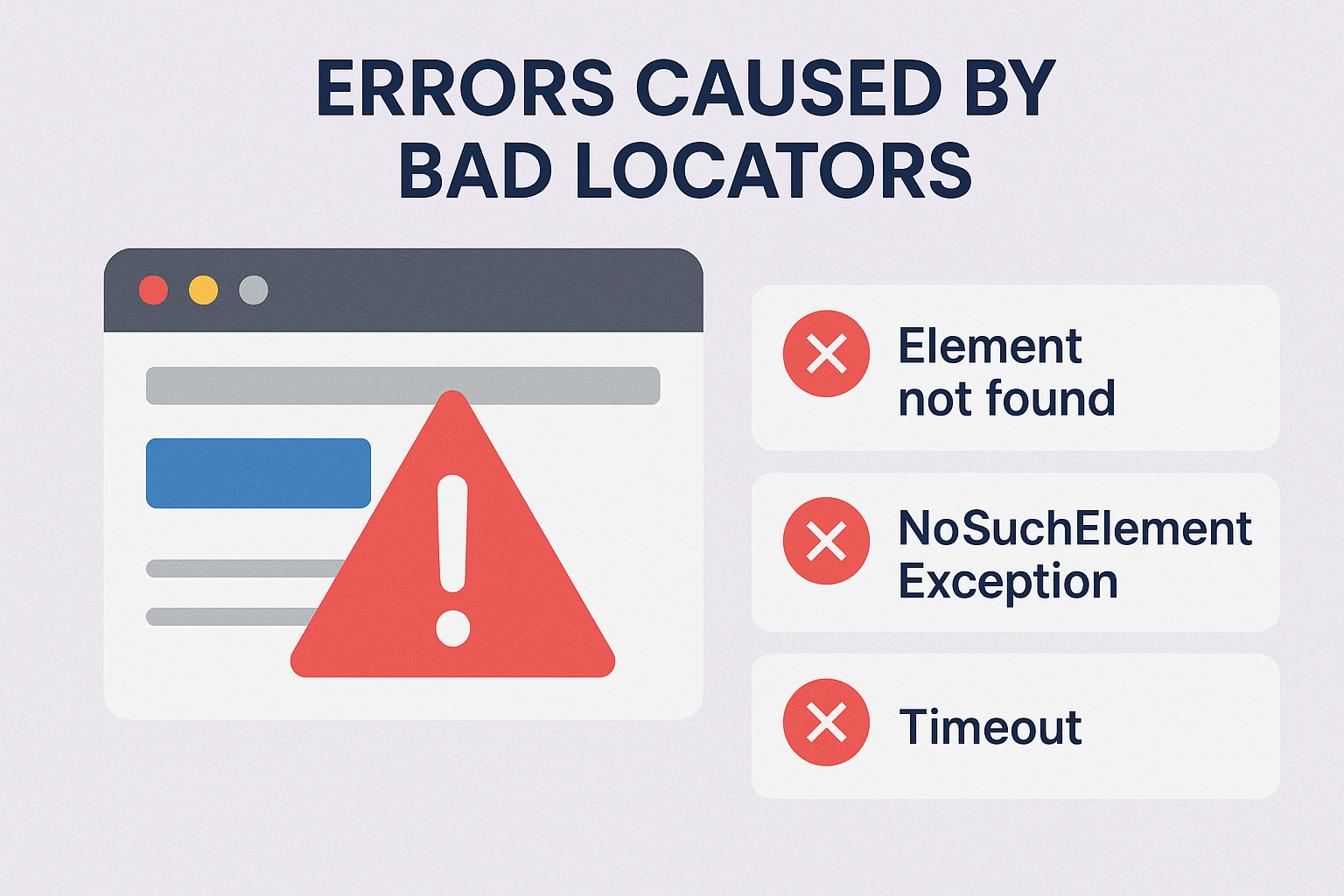
Bad Locator Errors
Bad Locators in Test Automation Overview
Bad locators in test automation often cause test failures and unreliable results. These flawed locators fail to identify web elements accurately. As a result, tests return errors like “Element not found” or “NoSuchElementException.” Moreover, bad locators delay automation pipelines, reducing test efficiency. Locator reliability is critical for Selenium, Cypress, and other automation frameworks. When locators break due to UI changes, scripts halt, causing timeouts and false negatives. Furthermore, poor locator strategies increase maintenance time and reduce ROI on automated testing. Choosing robust and resilient locators ensures smooth automation execution. In addition, good locator practices improve test stability and code readability. Avoiding XPath overuse and using stable attributes like IDs or data-test tags are best practices. Therefore, using clear, consistent locators directly impacts the success of QA automation efforts. The right locators support quick debugging and scalable automation frameworks. Overall, avoiding bad locators is vital to reduce errors and boost test reliability.
Key Features of Bad Locators in Test Automation
- Unstable References: Bad locators often rely on dynamic elements, leading to test failure and automation breakdown.
- Increased Maintenance: Testers spend more time fixing broken scripts due to inconsistent or weak locators.
- Reduced Accuracy: Using bad locators decreases test reliability and increases the risk of false negatives.
What’s Included with Bad Locators in Test Automation
- Common test errors like “Element not found,” “NoSuchElementException,” and “Timeout” caused by poor locator strategies.
How to Use Bad Locators in Test Automation
- Avoid using vague or dynamic class names as element identifiers.
- Instead, prefer stable attributes like IDs or ARIA labels for long-lasting locator strategies.
Ideal Uses and Placement
- Use this analysis when debugging failed automated UI tests caused by bad locators.
- Refer to it during test script reviews to enhance locator strategies and improve test resilience.
Bad Locators in Test Automation Specifications
- Common issues include element invisibility, DOM changes, and delayed rendering—making bad locators unreliable.
Common test automation errors from bad locators including Element not found and Timeout”
Explore More Resources
- Find similar products: Products Page
- Gain further insights: Our Blog
- Enhance your understanding: AI & QA Resources
- Learn from experts: Test Automation Strategy by Martin Fowler
Why Choose Bad Locators in Test Automation?
Understanding bad locators helps avoid common test automation pitfalls. Moreover, it reduces test flakiness and debugging time. Therefore, improving locator strategies increases test success rates and boosts automation ROI.
Order Your Bad Locators in Test Automation Today!
Explore how identifying bad locators improves your test automation performance—optimize your scripts now!
$4.79
- ✅ Instant Download Available
- 🖼️ Ultra High-Resolution 4K PNG + JPG (4096×6144, 300 DPI)
- 🖨️ Prints Beautifully up to 13.6×20.5 inches
- ♾️ Unlimited Downloads
- 🔁 Commercial Use & Resale Allowed
- 💾 Digital Product – No Physical Item Shipped
- 📥 Instant Access via Download Link Post-Purchase
- 🛒 Want a Physical Print?
You can upload your downloaded artwork to services like Printful, Zazzle, or your local print shop to create stunning physical prints.
All 4K images include the label "4K" in their title.
If your selected image does not include "4K", please contact us for your complimentary upgrade.