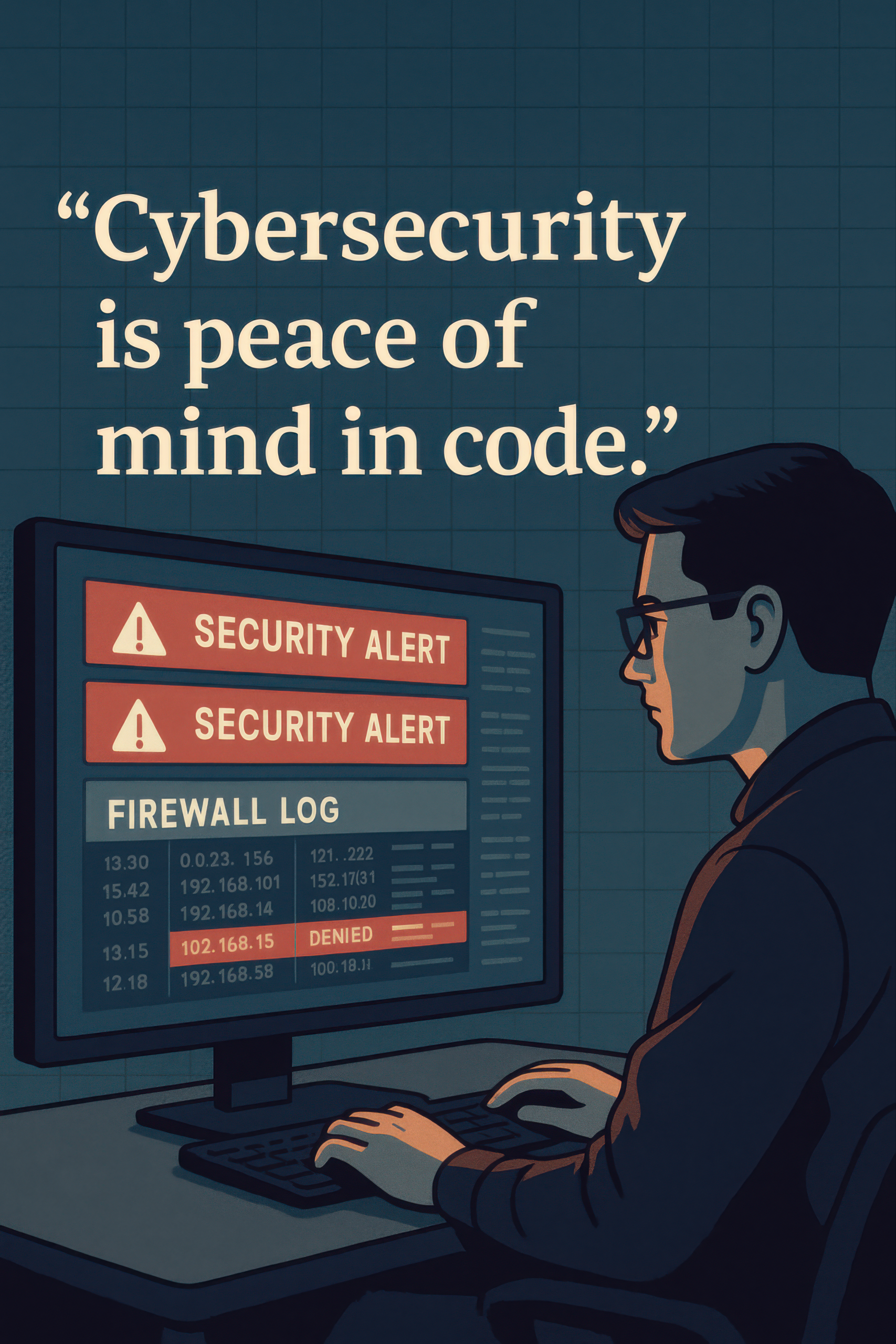
Cybersecurity Peace Of Mind (4k)
Firewall Monitoring Task Board Overview
A **firewall monitoring task board** is essential for maintaining cybersecurity and achieving operational peace of mind. It helps security teams track, prioritize, and respond to firewall alerts in real time. Moreover, it ensures that no threat slips through unnoticed. This board acts as a visual control center for firewall activity, making monitoring tasks easier and more efficient. From intrusion attempts to denied access logs, every alert can be logged, categorized, and followed up with confidence.
Furthermore, the firewall monitoring task board boosts team communication and accountability. With organized tracking, response times improve dramatically. It provides a structured way to assign actions for each firewall incident. In addition, the board promotes clarity during threat escalation and helps analysts spot patterns in repeated alerts.
Whether managing enterprise security or supporting SOC operations, this board keeps everything visible. Teams can track logs, assign resolutions, and follow protocol step by step. Its layout supports swift coordination, reduces human error, and reinforces digital defense strategies. Ultimately, a firewall monitoring task board delivers peace of mind—because cybersecurity begins with visibility and ends in action.
Key Features of Firewall Monitoring Task Board
- Alert Triage Sections: The firewall monitoring task board separates alerts by priority for clear response organization and action tracking.
- Log Review Zones: Allocate space for reviewing IP access attempts, blocks, and suspicious activity from firewall logs.
- Incident Response Workflow: Guides analysts through alert handling—from detection to documentation—ensuring no task is missed.
What’s Included with Firewall Monitoring Task Board
- One large-format firewall monitoring task board with sectioned zones for alert review and response
- Color-coded tags and pins to label IPs, alert types, and resolution statuses
- Reusable surface for dynamic updates during firewall analysis
How to Use Firewall Monitoring Task Board
- Place each firewall alert on the board under the appropriate category (e.g., Critical, Medium, Low).
- Assign each task to a team member, track its status, and document follow-up actions as alerts are resolved.
Ideal Uses and Placement
- Use the firewall monitoring task board in network operation centers or SOCs to monitor firewall activity actively.
- Place it near cybersecurity teams’ workstations for quick updates and faster alert management.
Explore More Resources
- Find similar products: Products Page
- Gain further insights: Our Blog
- Enhance your understanding: AI & QA Resources
- Learn from experts: What is a Firewall? – Cloudflare Learning Center
Why Choose Firewall Monitoring Task Board?
The firewall monitoring task board transforms chaos into clarity. It streamlines firewall incident response and strengthens system defense. Moreover, it promotes consistency and helps teams focus. Every alert is tracked, resolved, and learned from. This board brings peace of mind to security operations—making cybersecurity tangible and effective.
Order Your Firewall Monitoring Task Board Today!
Protect your network and streamline alert response—order your firewall monitoring task board now for smarter cybersecurity management!
$5.79
- ✅ Instant Download Available
- 🖼️ Ultra High-Resolution 4K PNG + JPG (4096×6144, 300 DPI)
- 🖨️ Prints Beautifully up to 13.6×20.5 inches
- ♾️ Unlimited Downloads
- 🔁 Commercial Use & Resale Allowed
- 💾 Digital Product – No Physical Item Shipped
- 📥 Instant Access via Download Link Post-Purchase
- 🛒 Want a Physical Print?
You can upload your downloaded artwork to services like Printful, Zazzle, or your local print shop to create stunning physical prints.
All 4K images include the label "4K" in their title.
If your selected image does not include "4K", please contact us for your complimentary upgrade.