Github Collaboration Requests
GitHub Pull Request Workflow Overview
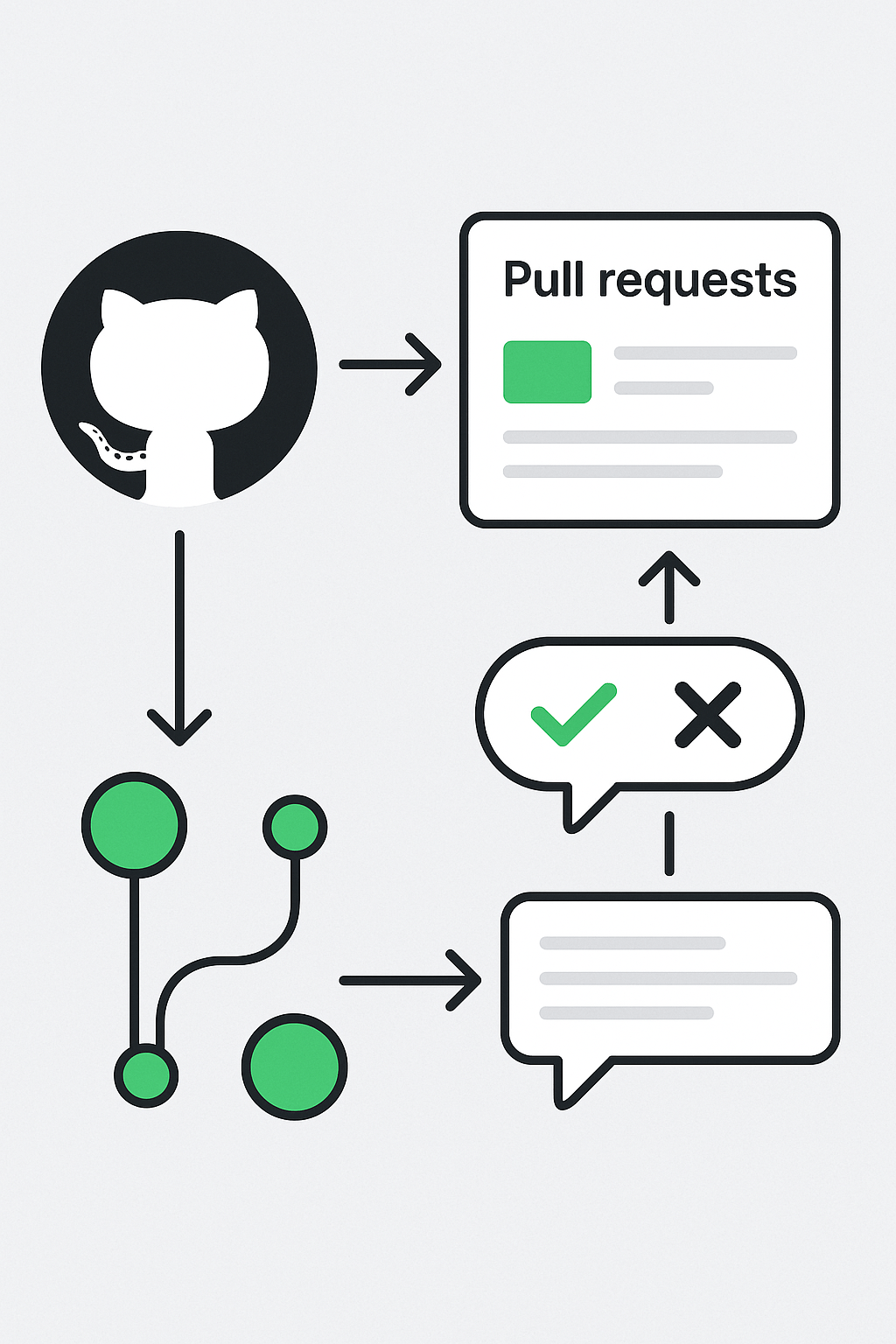
The **GitHub Pull Request (PR) workflow** is a collaborative process that enables developers to contribute code changes to a repository in a controlled and trackable manner. This visual outlines the key stages: branching from the main project, submitting a pull request, reviewing changes, and merging after approval. The process starts with developers pushing commits to a feature branch. They then open a **pull request** to propose merging those changes into a main branch. Reviewers provide feedback, suggest improvements, and either approve or reject the changes using status checks and comments. Once all checks pass and approvals are granted, the changes are merged into the main branch. Moreover, this workflow ensures code quality, promotes peer review, and supports Agile practices like continuous integration. Therefore, understanding GitHub PR workflows is essential for collaborative software development and open-source contribution.
Key Features of GitHub Pull Requests
- Branch-based Development: Isolate features or fixes in separate branches.
- Pull Request Submission: Propose and document code changes for review.
- Review and Approval: Team members give feedback and approve with checklists.
- Merge Workflow: Integrate approved changes into the main branch cleanly.
What’s Included with GitHub PR Flow
- Visual diagram of the PR lifecycle from fork to merge.
- Review process steps including approvals, requests for changes, and inline comments.
How to Use the GitHub PR Workflow
- Fork or branch from the main repository.
- Commit changes and push to a feature branch.
- Open a pull request via GitHub UI or CLI.
- Discuss, review, and approve changes.
- Merge the PR after all checks pass.
Ideal Uses and Placement
- Use for team-based and open-source software development workflows.
- Ideal in CI/CD pipelines, Agile sprints, and cross-functional code reviews.
GitHub PR Workflow Specifications
- Tools: GitHub UI, Git CLI, GitHub Actions
- Key Elements: Branch, Commit, Pull Request, Review, Merge
- Supported Features: Inline comments, review requests, status checks, auto-merge
GitHub pull request workflow showing branching, review, comment, and merge process”
Explore More Resources
- Discover Git collaboration tools: Products Page
- Learn pull request strategies: Our Blog
- Version control essentials: AI & QA Resources
- Read official docs: GitHub Pull Requests Guide
Why Choose GitHub PR Workflow?
Pull requests streamline collaboration and code quality assurance. Moreover, they support secure merging and fast team feedback. Therefore, this workflow is essential for modern DevOps and Agile development.
Start Using GitHub PRs Today!
Enhance your code collaboration—submit, review, and merge with GitHub pull requests!
$3.99
- ✅ Instant Download Available
- 🖼️ Ultra High-Resolution 4K PNG + JPG (4096×6144, 300 DPI)
- 🖨️ Prints Beautifully up to 13.6×20.5 inches
- ♾️ Unlimited Downloads
- 🔁 Commercial Use & Resale Allowed
- 💾 Digital Product – No Physical Item Shipped
- 📥 Instant Access via Download Link Post-Purchase
- 🛒 Want a Physical Print?
You can upload your downloaded artwork to services like Printful, Zazzle, or your local print shop to create stunning physical prints.
All 4K images include the label "4K" in their title.
If your selected image does not include "4K", please contact us for your complimentary upgrade.