Village Clocktower Waits
Implicit Wait in Selenium Overview
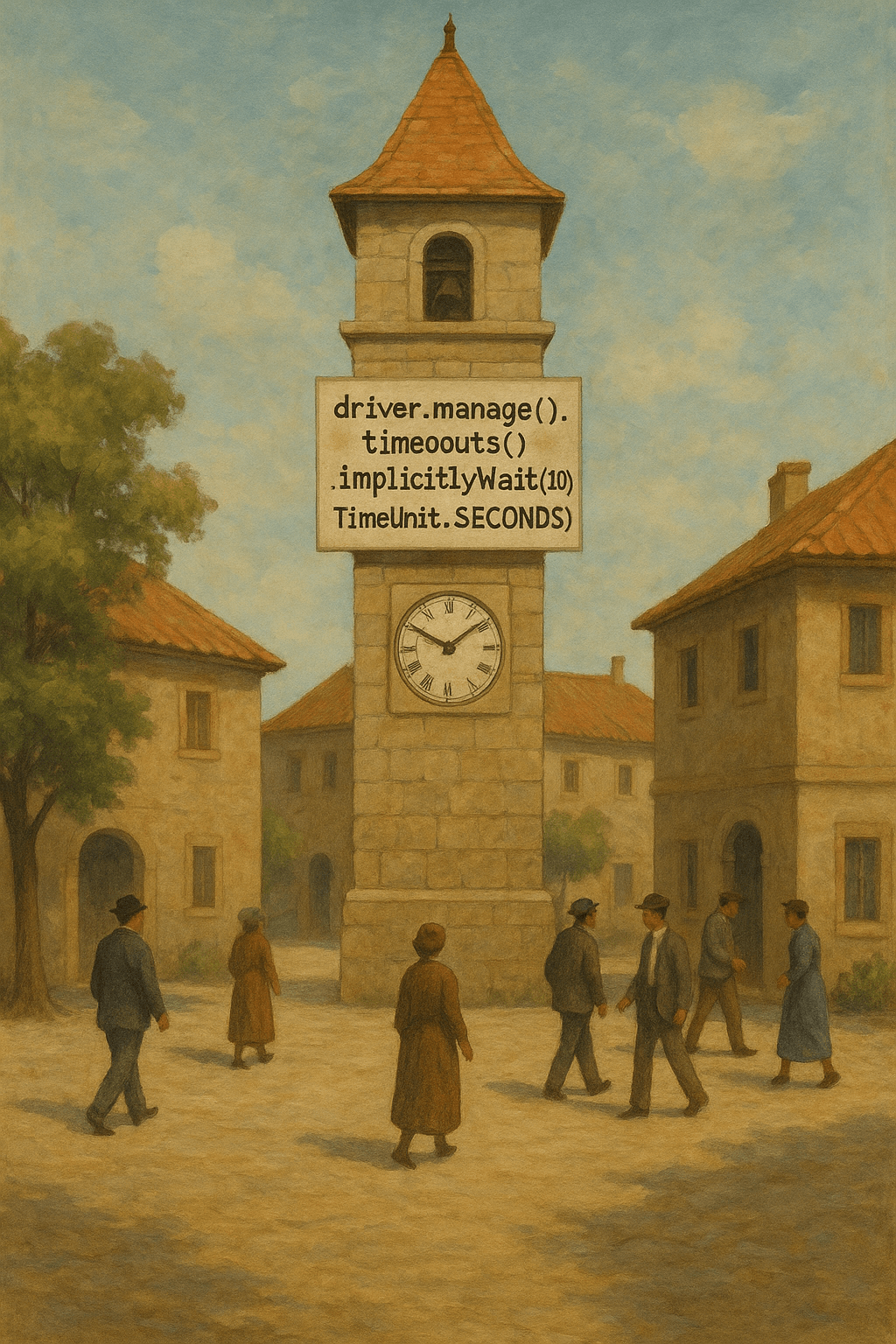
Implicit Wait in Selenium is a time-based synchronization method that tells the WebDriver to wait a set amount of time before throwing a “NoSuchElementException.” This classic town square illustration cleverly uses a clock tower as a metaphor—representing how implicit waits govern time across every test step. Moreover, all townsfolk, like Selenium commands, must follow this silent agreement to wait. In Selenium, driver.manage().timeouts().implicitlyWait(10, TimeUnit.SECONDS); applies a global wait duration. In addition, it helps manage delays from dynamic content. However, implicit waits are not as precise as explicit waits. Therefore, use them for consistent latency, not conditional behavior. Furthermore, it’s important to avoid mixing implicit and explicit waits to reduce unexpected timing issues.
Key Features of Implicit Wait in Selenium
- Global Wait: Applies a default timeout for all element searches.
- Time-Based: Uses a fixed time (e.g., 10 seconds) before failing a step.
- Code Simplicity: Reduces the need for frequent condition checks.
What’s Included with Implicit Wait in Selenium
- Visual metaphor of a clock tower showing consistent time management.
- Code example using
implicitlyWait()for quick reference. - Symbolic townspeople as automated browser commands respecting a shared delay.
How to Use Implicit Wait in Selenium
- Add the implicit wait to your test setup using:
driver.manage().timeouts().implicitlyWait(10, TimeUnit.SECONDS); - Apply it once at the start—Selenium will wait automatically when locating elements.
- Adjust wait time based on application speed, keeping performance in mind.
Ideal Uses and Placement
- Use implicit wait in stable, uniform-loading web applications.
- Place in setup sections of Selenium test frameworks.
- Use during initial automation when element load times are unknown.
- Apply for consistent UI test behavior across suites.
Explore More Resources
- Find similar products: Products Page
- Gain further insights: Our Blog
- Enhance your understanding: AI & QA Resources
- Learn from experts: Selenium Implicit Wait Guide
Why Choose Implicit Wait in Selenium?
Implicit Wait in Selenium streamlines test execution with minimal code. Moreover, it handles expected delays across multiple steps. It’s ideal for early test design or applications with consistent response times. However, balance it with smarter wait strategies as tests grow.
Use Implicit Wait in Selenium to Synchronize with Confidence!
Add reliability to your UI tests—implement Implicit Wait in Selenium and reduce flaky failures!
$3.99
- ✅ Instant Download Available
- 🖼️ Ultra High-Resolution 4K PNG + JPG (4096×6144, 300 DPI)
- 🖨️ Prints Beautifully up to 13.6×20.5 inches
- ♾️ Unlimited Downloads
- 🔁 Commercial Use & Resale Allowed
- 💾 Digital Product – No Physical Item Shipped
- 📥 Instant Access via Download Link Post-Purchase
- 🛒 Want a Physical Print?
You can upload your downloaded artwork to services like Printful, Zazzle, or your local print shop to create stunning physical prints.
All 4K images include the label "4K" in their title.
If your selected image does not include "4K", please contact us for your complimentary upgrade.