Visualizing Wait Strategies
Selenium Waits Visualization Overview
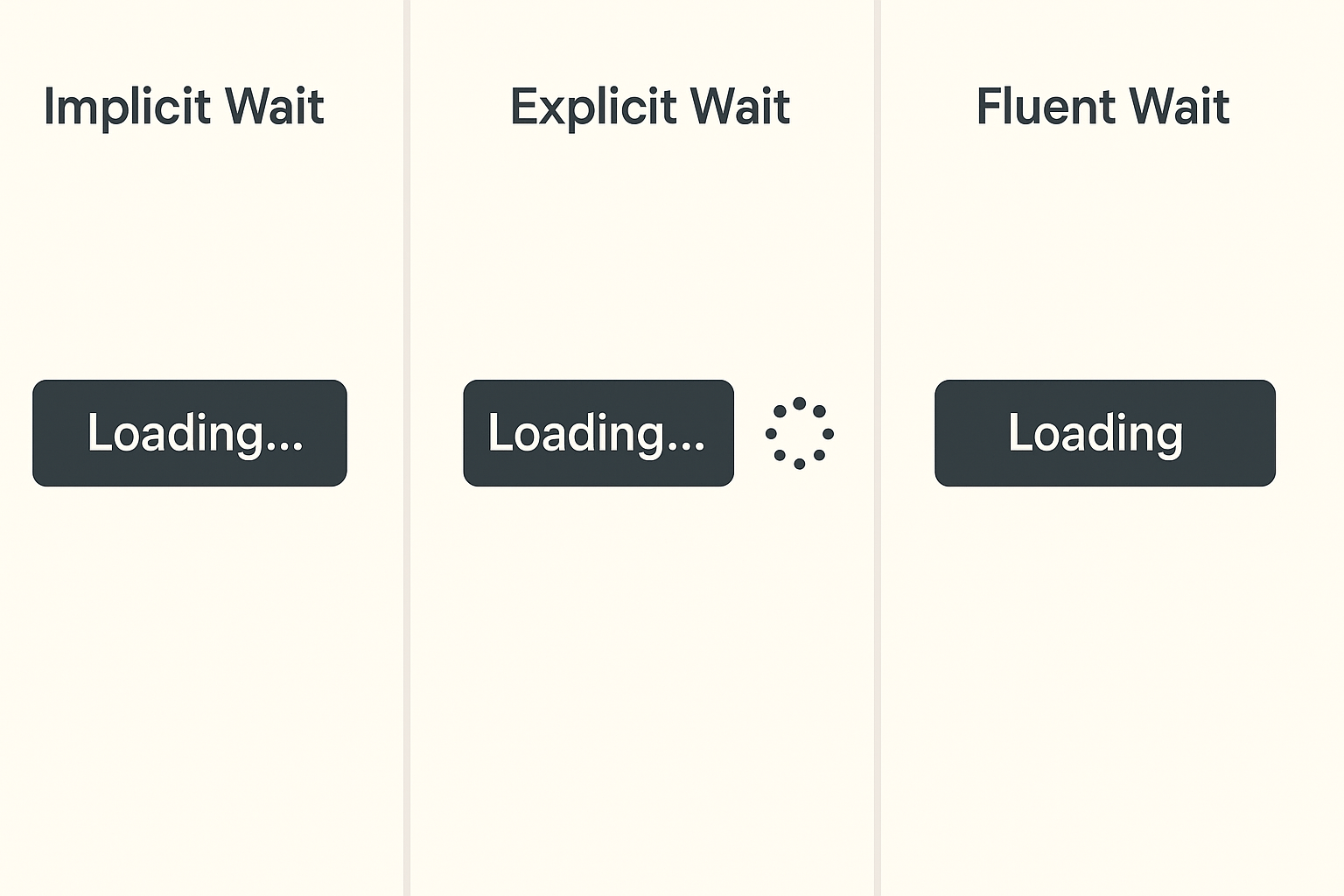
This Selenium waits visualization clearly distinguishes among the three primary wait types used in automated testing: Implicit Wait, Explicit Wait, and Fluent Wait. The image shows loading buttons and spinners under each wait label, highlighting their behavioral differences. In Selenium automation, waits are essential for synchronizing test scripts with web application behavior. Moreover, **Implicit Wait** sets a default time limit to find elements before throwing an exception. **Explicit Wait** waits for a specific condition, such as visibility or clickability, before proceeding. **Fluent Wait** offers advanced control by checking for conditions at regular intervals while ignoring specific exceptions. Furthermore, these waits reduce test flakiness caused by dynamic content or delayed page loads. In addition, using the right wait strategy ensures that your test scripts interact reliably with evolving UI elements. Therefore, this visualization is perfect for training, documentation, or presentations where Selenium wait concepts must be conveyed visually and simply.
Key Features of Selenium Waits Visualization
- Implicit Wait: Automatically waits for a defined time when locating web elements globally.
- Explicit Wait: Targets specific conditions (like element visibility) using WebDriverWait in Selenium.
- Fluent Wait: Customizes wait time, polling frequency, and exception handling for complex scenarios.
What’s Included with Selenium Waits Visualization
- Three side-by-side panels illustrating Implicit, Explicit, and Fluent Waits using “Loading…” buttons and spinners.
How to Use Selenium Waits Visualization
- Use in QA training sessions to explain wait strategies during Selenium test scripting.
- Embed in documentation or presentations to visually reinforce how each wait type behaves under load.
Ideal Uses and Placement
- Use in test automation bootcamps, QA documentation, or Selenium framework tutorials.
- Apply in test plan reviews or workshops to guide best practices for test reliability.
Selenium Waits Visualization Specifications
- Includes labeled examples of all three Selenium waits with loading states to demonstrate timing behavior visually.
Selenium wait types visualized with Implicit Wait, Explicit Wait, and Fluent Wait loading behavior”
Explore More Resources
- Find similar products: Products Page
- Gain further insights: Our Blog
- Enhance your understanding: AI & QA Resources
- Learn from experts: Selenium Official Waits Guide
Why Choose Selenium Waits Visualization?
This clear visual simplifies Selenium wait concepts—helping teams build more stable, accurate test automation. It bridges theory and practice. Moreover, it’s ideal for education, onboarding, and testing documentation.
Order Your Selenium Waits Visualization Today!
Master test synchronization with this visual breakdown of Selenium Implicit, Explicit, and Fluent Waits—ideal for QA professionals!
$4.89
- ✅ Instant Download Available
- 🖼️ Ultra High-Resolution 4K PNG + JPG (4096×6144, 300 DPI)
- 🖨️ Prints Beautifully up to 13.6×20.5 inches
- ♾️ Unlimited Downloads
- 🔁 Commercial Use & Resale Allowed
- 💾 Digital Product – No Physical Item Shipped
- 📥 Instant Access via Download Link Post-Purchase
- 🛒 Want a Physical Print?
You can upload your downloaded artwork to services like Printful, Zazzle, or your local print shop to create stunning physical prints.
All 4K images include the label "4K" in their title.
If your selected image does not include "4K", please contact us for your complimentary upgrade.